Case study 01 / Project systems
Notion project system
From a blank workspace to a working project system.
At Viprotron, I started with a blank Notion workspace and built a project-management system for the work around industrial glass-inspection and vision systems. Multiple databases connect through relations. Rollups bring related information into useful views. Native Notion automations and n8n handle the steps between them.
Viprotron · Workspace design, implementation & automation
01 / The context
Understanding the whole problem.
The difficult part was connecting information that belongs in different places: projects, tasks, equipment, customer locations and follow-up. I wanted people to work from a shared structure without repeatedly piecing the same context together.
02 / The approach
How the pieces fit.
Model the relationships
I used multiple databases with relations between them, so project information could connect to the tasks and records it depends on.
Make related data useful
I used rollups to bring information from related records into planning and task views, then shaped those views around the work people needed to do.
Combine two kinds of automation
I used native Notion automations for actions inside the workspace and self-hosted n8n for connected workflows, including report notifications, advance parts reminders and record updates.
Views for the work at hand
Scheduled and unscheduled project views sit alongside an engineer view, completed projects, purchase-order and quote follow-up, and individual task views. Project status and task progress answer different questions, so I track them separately.
A connected operational model
Projects and tasks connect to machines, customer locations and contacts, employees, parts, and QR records. Task records capture responsibility, due dates, priority, step order, and whether a task came from a template or automation. The public examples use fictional records.
03 / What it demonstrates
Technical work, in context.
I built and connected the workspace, its automation logic and the server that runs n8n. Combining relations, rollups and two automation tools let me solve workflows that had initially felt out of reach. The dashboard below is a fictional demonstration of the structure.
Design considerations
- Keep related information connected through database relations instead of maintaining isolated lists.
- Use rollups where a view needs context from related records.
- Choose native Notion automation or n8n according to where an action needs to happen.
04 / Visual documentation
A closer look.
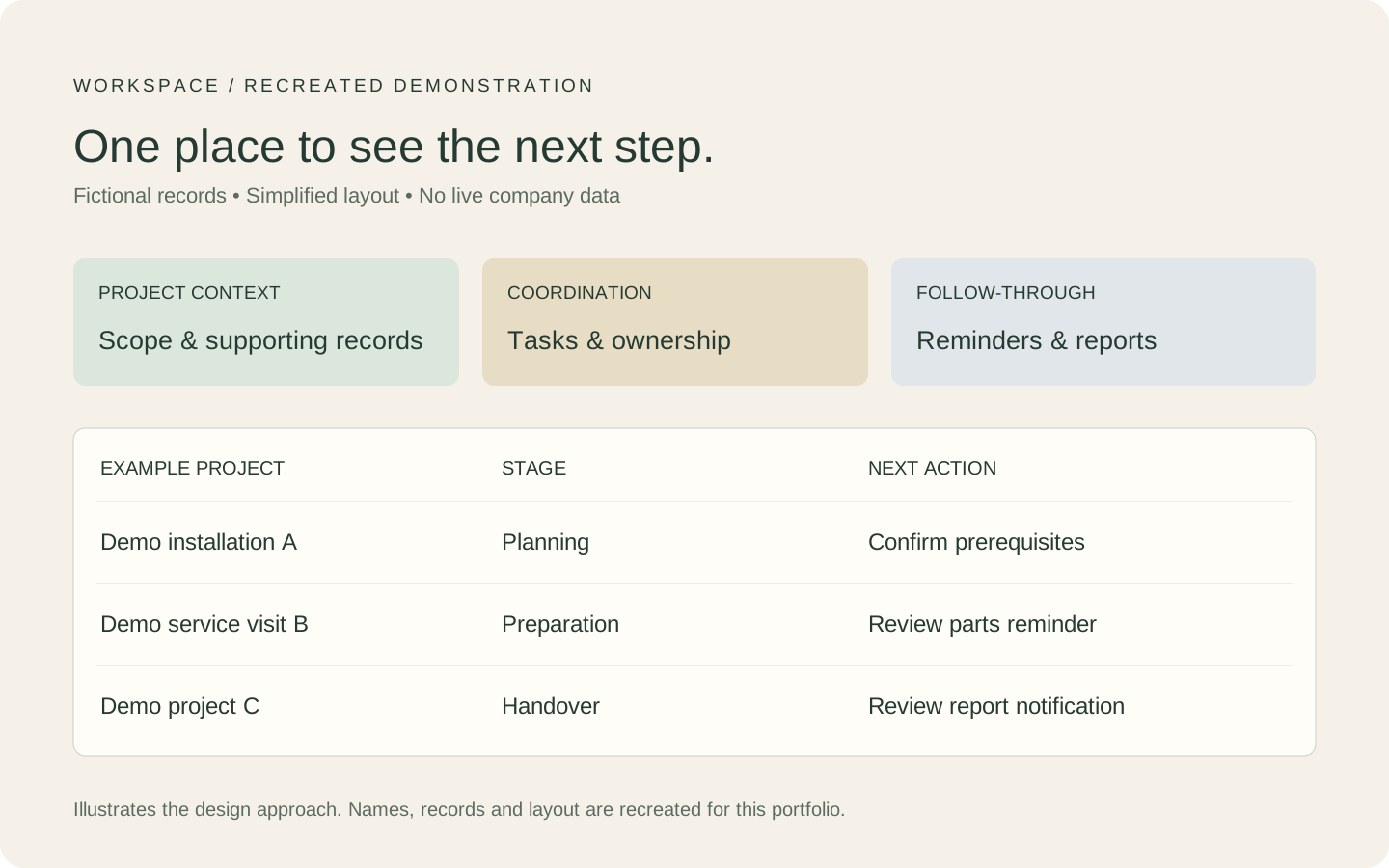
Public demonstration only. Customer information, colleague details, schedules, machine identifiers and internal links are omitted.